


Calendly connected to your CRM: automated scheduling

Connect Calendly to your CRM
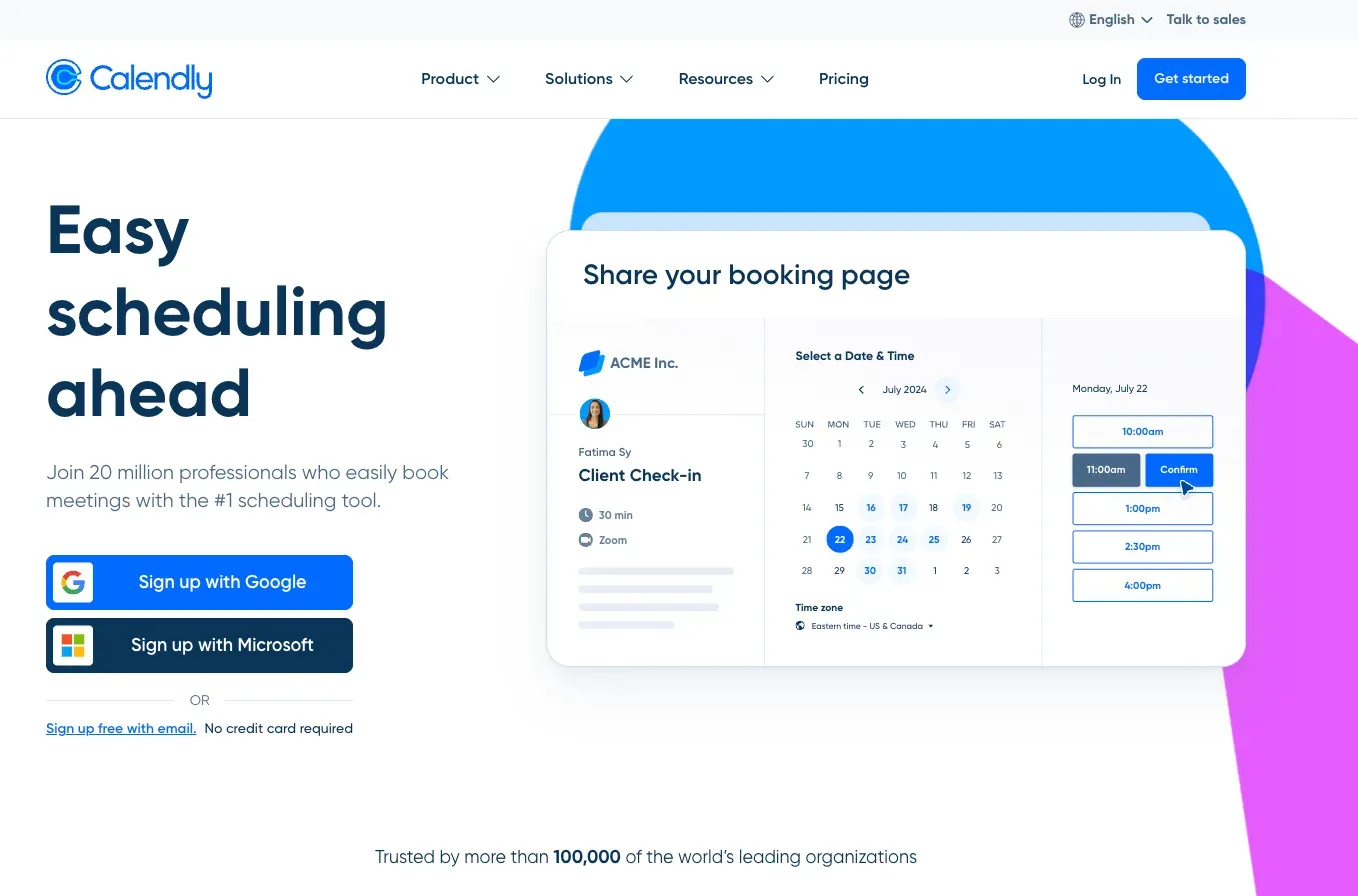
Calendly is a scheduling platform that eliminates the email back-and-forth of finding a meeting slot.
You share a link, the other person sees your real availability and books in a few clicks. Sales reps use it for demos, recruiters for interviews, consultants for coaching sessions: the meeting books itself, in the right time zone. What remains is getting it into your CRM, and that is where sales follow-up is won or lost.
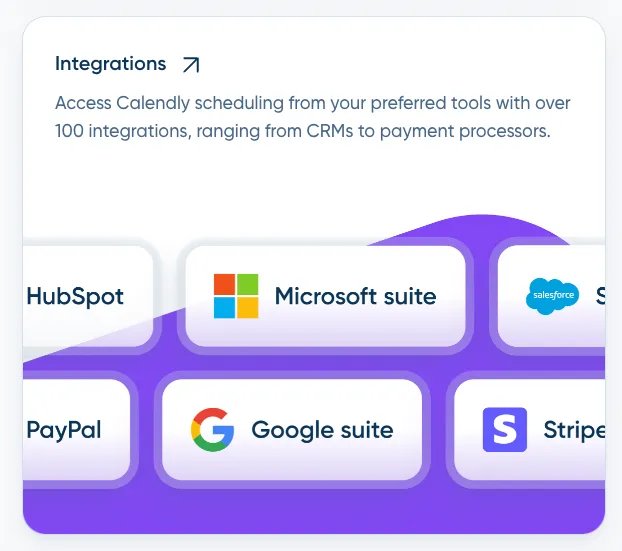
Integrations: Calendly connected to your tools
Scheduling slots into the processes you already have.
- Connect Calendly to a CRM such as HubSpot or Salesforce
- Create or update contacts with every booking
- Trigger automations through Zapier or Make
- Analyse bookings and no-shows to optimise your schedules
Two scenarios worth setting up:
- A booking creates the contact and the deal. A prospect books a demo: their contact is created or updated in HubSpot and a deal opens in your pipeline. Your sales rep has nothing to re-enter.
- A no-show triggers a follow-up. The prospect misses the meeting: once the no-show is flagged, a follow-up goes out on its own, with a link to pick a new slot.
Before you connect your tools, go through our CRM integration checklist.
The rest of Calendly comes down to three pillars:
From booking to follow-up, the whole meeting cycle is automated.
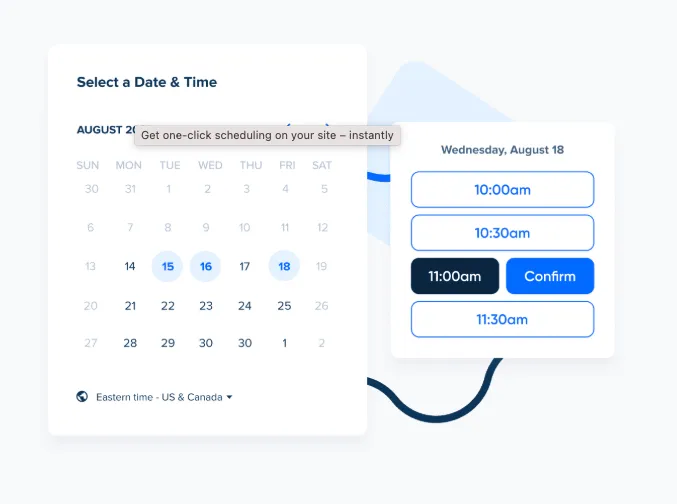
1. Booking pages: your availability in one link
Every type of meeting gets its own page, in your brand colours.
- Create one-on-one, collective or group event types
- Share a single link or embed booking directly on your website
- Customise the page with your logo, colours and questions
- Set boundaries: durations, minimum notice, buffer time between meetings
2. Calendar sync: zero double bookings
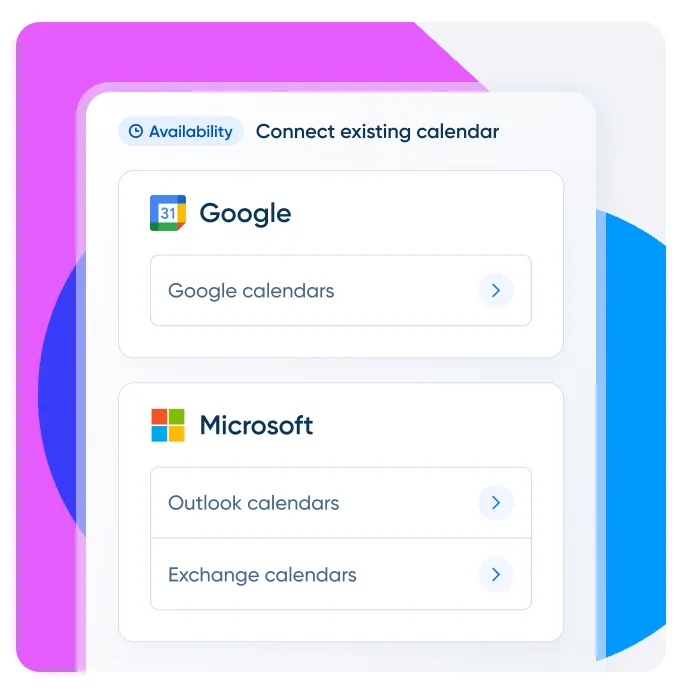
Calendly reads your calendars in real time and only offers slots that are actually free.
- Connect your calendars: Google, Office 365, Outlook
- Block out busy slots automatically
- Adjust time zones for international participants
- Add the video conferencing link to every invitation automatically
3. Workflows: reminders and follow-ups that send themselves
Cut down on no-shows and add polish to every step of the meeting.
- Send automatic reminders before each meeting
- Schedule follow-up or thank-you emails after the meeting
- Offer one-click rescheduling when plans change
- Collect useful information before the meeting with custom questions
Are your Calendly meetings failing to reach your pipeline? turnK connects scheduling to your CRM for sales follow-up with no re-keying. See our HubSpot integrator or Salesforce integrator services, or contact us: our consultants reply within 48 hours.
The most common questions
Calendly is an appointment scheduling platform. You share a link connected to your calendar, people see your availability in real time and book a slot in a few clicks, with no email back-and-forth.
Calendly works for individuals and teams alike: sales reps for demos, recruiters for interviews, consultants for coaching sessions, support teams for customer appointments. It works for one person or a whole organisation.
Customisable booking pages, synchronisation of multiple calendars (Google, Office 365, Outlook), automatic time zone detection, reminder and follow-up workflows, and integrations with CRMs and video conferencing tools.
Calendly offers a free tier for simple individual use, then per-user monthly subscriptions depending on team and integration features. Up-to-date pricing is available on the official website.
Yes. Calendly connects to CRMs such as HubSpot and Salesforce to create or update contacts with every booking, and to other tools through Zapier or Make. turnK sets up these integrations so every meeting automatically feeds your sales pipeline.
