


Webflow vs Wordpress: which is the best CMS?
How to choose the best website creation software?
The choice between Webflow and WordPress for website creation became crucial in 2024, with ever more complex needs and fierce online competition. In this article, we will explore the pros and cons of each platform, with a focus on key aspects such as ease of use, flexibility, SEO, security, and much more.
Ease of use and User Interface
- Webflow is distinguished by its intuitive visual interface. It uses a drag-and-drop system that allows you to easily create and customize websites. You can see the changes in real time, making the design process easier. In addition, Webflow offers pre-designed templates and a library of reusable elements, which speeds up the creation of the site.

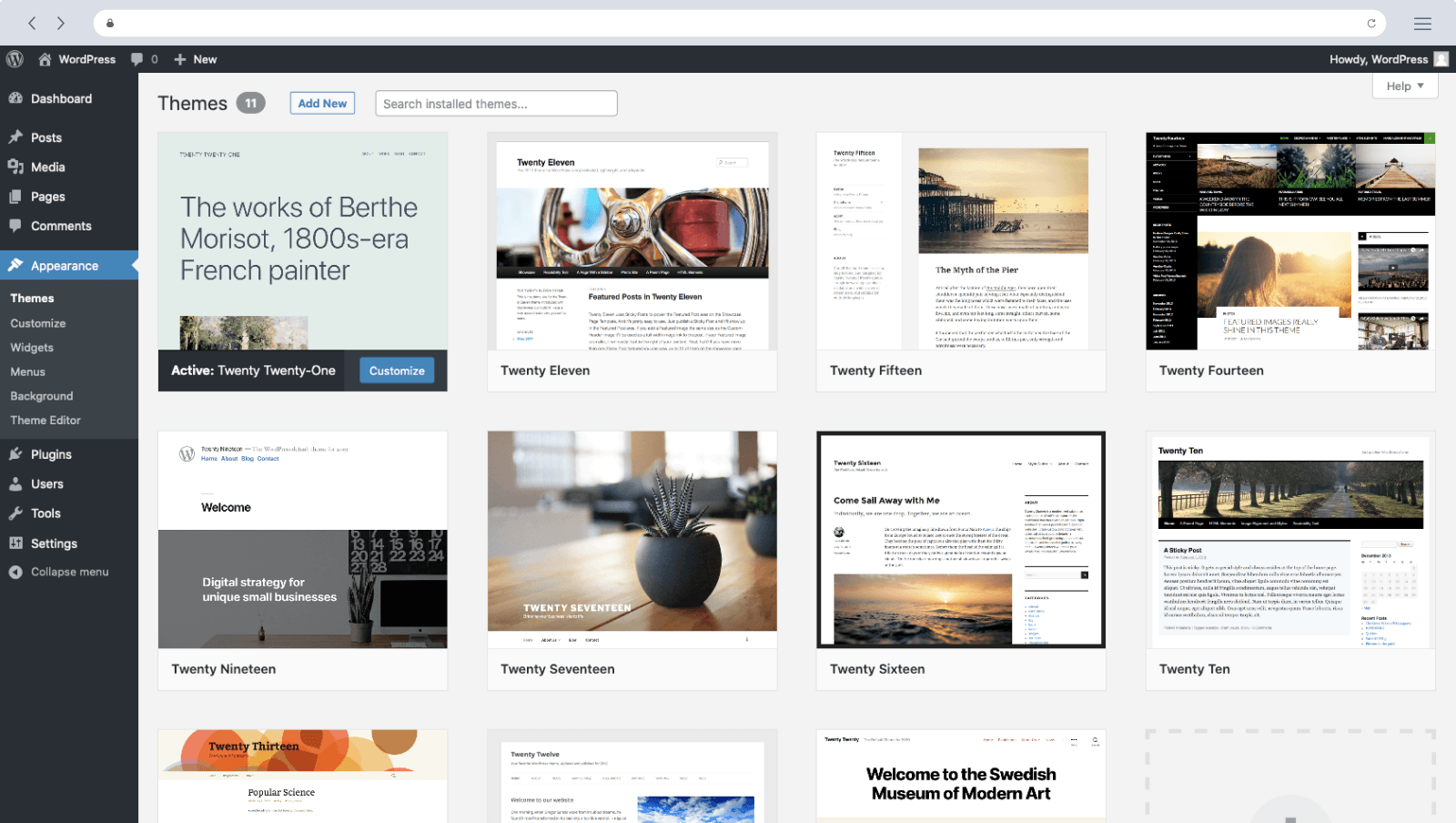
- WordPress, on the other hand, uses an admin interface based on menus and options. While it’s not as visually user-friendly as Webflow, WordPress is easy to use once you get familiar with its interface. However, it often requires the installation of additional plugins to access certain features.
Flexibility and Customization
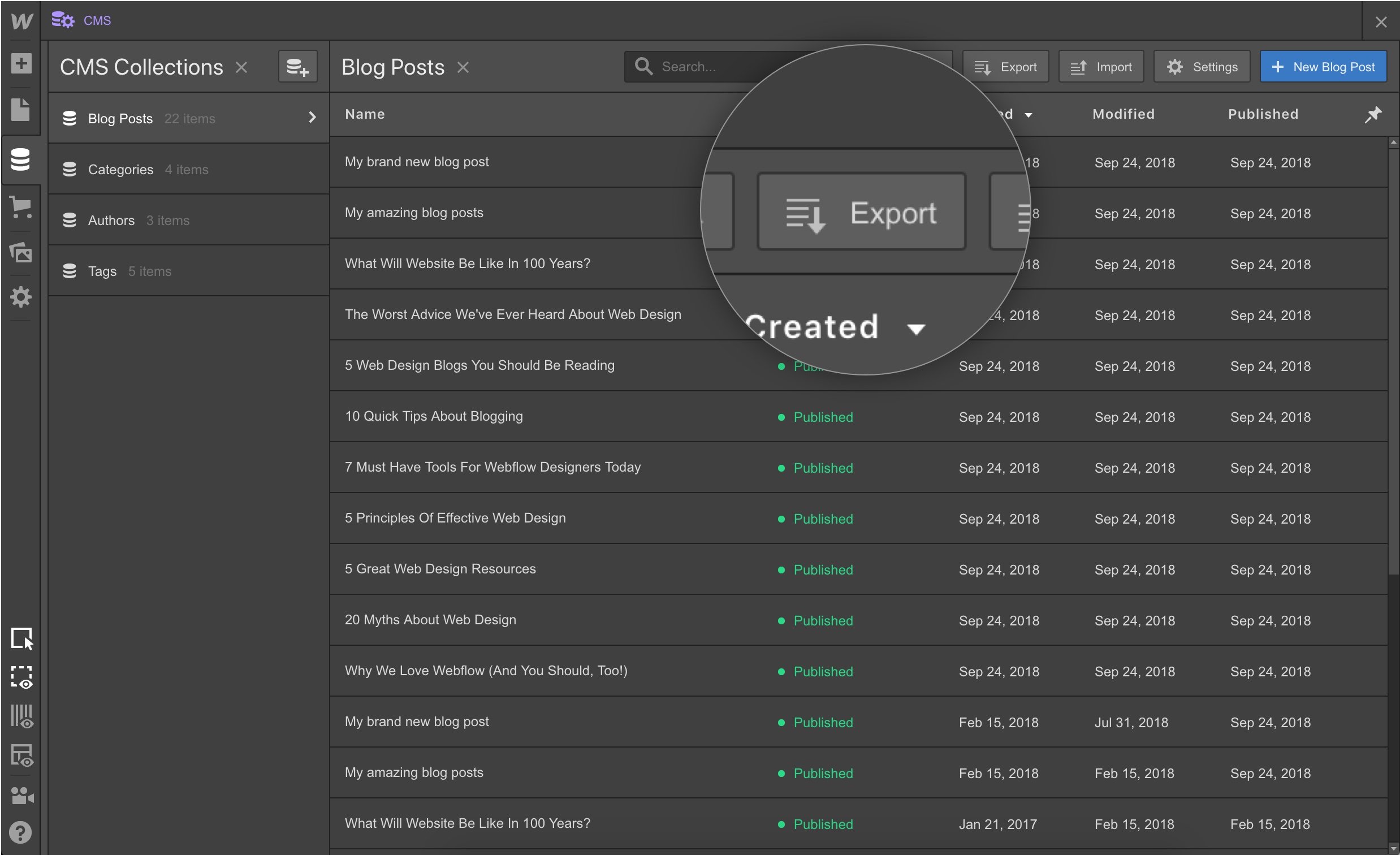
- Webflow offers great flexibility in terms of personalization. You can change the CSS and HTML code, which allows you to create custom designs and meet the specific needs of your project. Webflow also offers an integrated content management system (CMS), making it easy to create and manage dynamic content.
- WordPress is also very flexible and offers a wide range of themes and plugins. However, to further customize the design, development skills are often needed to change the code. WordPress is also known for its broad ecosystem of plugins that allows you to add additional features to your site.

Performance and speed
- Webflow hosts websites on its own servers, ensuring optimal performance. Webflow sites are generally fast and well optimized, providing a seamless user experience. In addition, Webflow uses a Content Delivery Network (CDN) to distribute your content around the world, which improves page loading speed.
- WordPress, on the other hand, relies on third-party hosting, which means that your site’s performance depends on the hosting service you choose. While WordPress can be optimized for good performance, it can be harder to get results similar to those of Webflow, especially if you’re using many poorly optimized plugins or themes.
Security and Updates
- Webflow takes care of your site’s security by managing updates, security patches, and regular backups. Their servers are secure and protected from attacks. This means that you can focus on creating your site without worrying about security issues.
- WordPress is also a secure platform, but the responsibility for security relies heavily on you. You need to make sure to keep your WordPress installation, plugins and themes up to date to avoid potential vulnerabilities. Using security plugins and password best practices is also recommended.
Natural Referencing (SEO)
SEO is essential for online visibility. Both platforms offer advanced features, but the main difference is how they manage SEO. Webflow offers built-in SEO tools, while WordPress relies on its popular plugins such as Yoast SEO to optimize content.
Accommodation and Performance
Webflow offers built-in hosting, simplifying the process for users, while WordPress requires a third-party host. In terms of performance, Webflow offers fast battery life thanks to its native server, while WordPress can vary depending on the host chosen.

Creation of Online Stores (E-commerce)
For those who want to create an online store, WooCommerce is a popular option on WordPress, offering a wide range of features. Webflow, for its part, also offers an e-commerce solution, although the choice depends on the specific needs of each project.
Support and Community
- Webflow has a responsive support team that can answer your questions and help you in case of problems. They also offer comprehensive learning resources, video tutorials and an active community. However, it’s important to note that Webflow is a proprietary platform, which means you depend on their infrastructure and support team.
- WordPress has a huge community of users and developers. There are many online forums, groups and resources where you can find answers to your questions. Being an open source platform, you also have the freedom to change hosts and customize your site as you see fit.
Conclusion
Webflow and WordPress are both great options for creating websites, but they stand out in several key areas. Webflow offers intuitive visual interface, great design flexibility and integrated content management. It is particularly suitable for designers and projects that require advanced customization.
WordPress, on the other hand, is a versatile platform, with a vast support community and a multitude of plugins available. It is suitable for users of all levels and is suitable for websites of all sizes.
Ultimately, the choice between Webflow and WordPress depends on your specific needs, your level of technical competence and the features required for your website. Take the time to properly assess your needs and consider the pros and cons of each platform before making a decision.
If you are interested in the subject and you would like to exchange with our experts, do not hesitate to contact us to answer all your questions!
the most common questions
Webflow is an all-in-one visual site creation tool (design, hosting, CMS), while WordPress is an open source CMS that is installed and then extended via themes and extensions. Webflow prioritizes codeless design and a unified environment, WordPress flexibility and a huge ecosystem.
Webflow offers a more visual grip and a unified environment, without server management or plugins to maintain. WordPress requires more configuration and maintenance, but remains very accessible thanks to its many themes and community.
Both allow for good SEO. Webflow generates clean code and natively integrates SEO settings, while WordPress relies on extensions like Yoast. The result depends mainly on the quality of the content and the structure of the site.
Yes. Yes. Webflow offers an integrated e-commerce module, suitable for moderate-sized stores, while WordPress relies on WooCommerce, very powerful and customizable. The choice depends on the volume and needs of the shop.



