


Webflow vs Framer: Which visual development tool is best suited to your website?
In the world of web development, many visual development tools allow you to create websites without having to write code.
Two of these popular tools are Webflow and Framer. In this article, we will look at the differences and strengths of these two platforms to determine which one is best suited for your website project.
Webflow vs Framer, which one to choose?
Webflow, what is it?
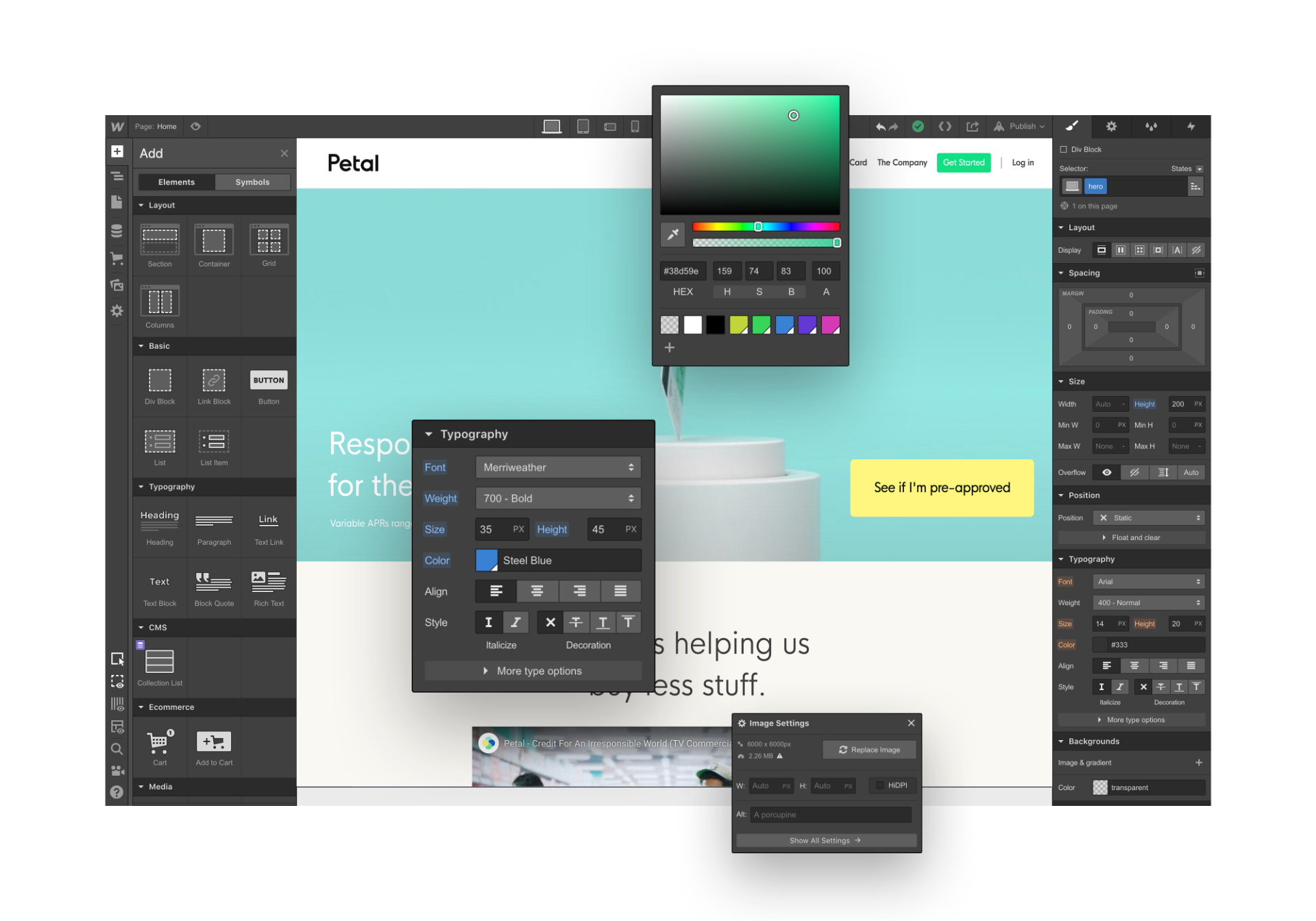
Webflow is a powerful visual development tool that offers a drag-and-drop approach to create responsive and interactive websites. It has a user-friendly interface and great flexibility in terms of design and customization. Webflow offers a wide range of pre-designed and customizable templates to help you get started quickly.
The tool also offers granular control over animations, transitions, and interactions. In addition, Webflow generates a clean and optimized code behind the scenes, making it easy to SEO and perform your site. However, Webflow may have a slightly higher learning curve than some other visual development tools.
Framer, what is it?
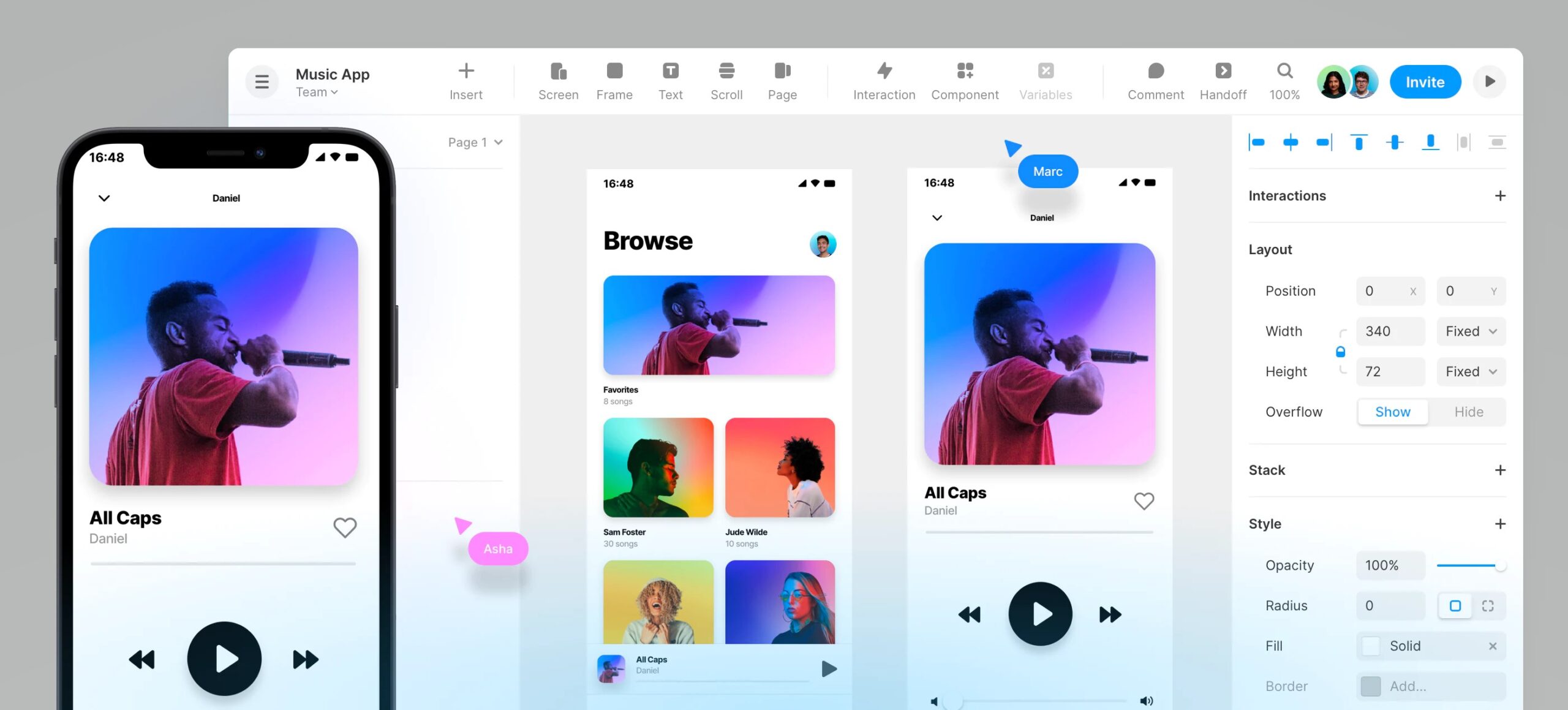
Framer is a visual development tool focused on user interface (UI) design. It offers a more design- and developer-oriented approach to creating advanced and personalized user experiences. Framer offers a wide library of predefined components and customizable templates, as well as a visual interface to create complex interactions and animations.
The tool also allows you to create interactive prototypes and test them on different devices. Framer offers close integration with design tools such as Sketch and Figma, making it easier for designers to work. However, Framer may require a more pronounced learning curve due to its complexity and more technical orientation.
Comparison of functionalities
- Design and customization: Webflow offers great design flexibility with advanced customization options, while Framer emphasizes creating advanced and customized user interfaces.
- Interactions and Animations: Both tools offer powerful interaction and animation features, but Framer offers more advanced capabilities for complex interactions.
- Component Management: Webflow has a library of predefined and customizable components, while Framer offers greater flexibility to create and manage custom components.
- Collaboration and integrations: Webflow offers strong collaboration and integration features, while Framer focuses more on integration with design tools.
Adaptability to different projects
- Webflow is well suited for more complex website projects requiring advanced customization, design flexibility and easy content management.
- Framer is ideal for projects that require highly customized user interfaces, complex interactions and a rich user experience.
Both Webflow and Framer are powerful visual development tools that offer advanced features to create exceptional websites and user interfaces. Your choice will depend on your specific design needs, interactions and user experience, as well as your level of technical expertise. If you’re looking for design flexibility and ease of content management, Webflow is a great choice.
On the other hand, if you are a designer or developer who is concerned about creating advanced and personalized user interfaces, Framer will better meet your needs. Take the time to evaluate your requirements and test both tools to determine which one is best for your website project.
the most common questions
Webflow and Framer are two tools for creating visual websites without code. Webflow is known for the finesse of its design control and robust CMS, while Framer stands out for its speed of online release, animations and approach close to prototyping.
Framer is often judged faster and intuitive to create a simple site, with a logic close to Figma. Webflow requires a little more learning but offers more precise control over the structure and responsive.
Webflow is generally preferred for content-rich sites thanks to its powerful and flexible CMS. Framer is very suitable for showcase sites, landing pages and portfolios with a neat design.
The choice depends on the project: Framer for a fast, animated and centered design site, Webflow for a scalable site with a solid CMS and fine control. Our experts can help you to decide according to your needs.



