



Bubble vs. Glide: which tool to choose to create your web and mobile application?
With the growing popularity of mobile and web apps, many codeless development platforms have emerged to help novice entrepreneurs and developers build applications without having to code. Two of these platforms are Bubble and Glide, which offer powerful features for creating code-free applications.
In this article, we will make a concrete comparison between Bubble and Glide, examining their characteristics, usability, flexibility and limitations, to help you choose the platform that best suits your needs.
What are the characteristics?
- Bubble is a codeless application development platform that allows you to create complex web and mobile applications. It offers advanced features such as database management, workflow automation, APIs, user authentication, and online payments. Bubble enables deep user interface customization and offers great design freedom.
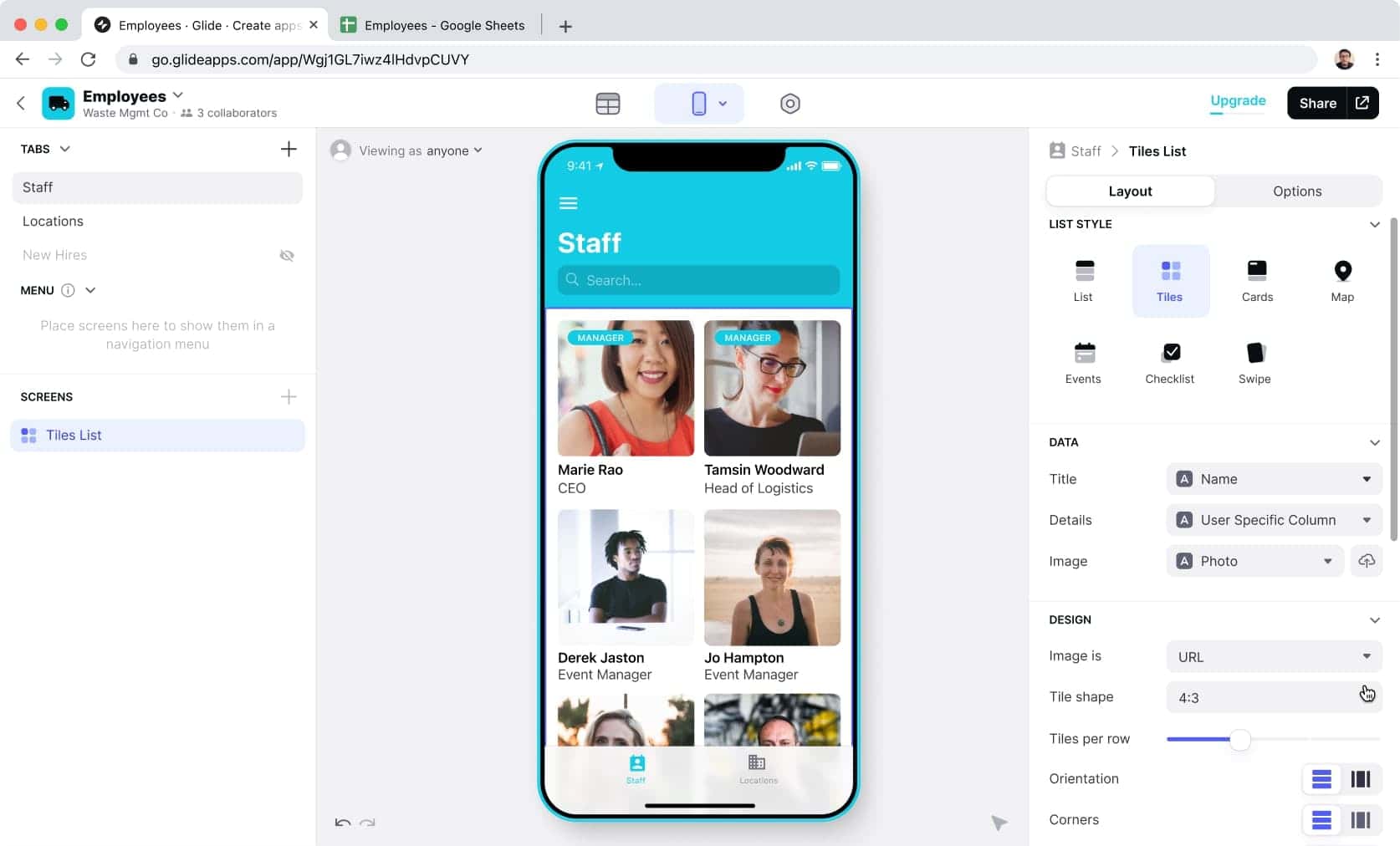
- Glide, on the other hand, focuses primarily on the development of mobile applications. It allows you to create simple and elegant applications from Google Sheets spreadsheets. Glide offers features such as forms, lists, maps, custom actions, and integrations with third-party services. While Glide is more limited in terms of advanced features, it offers a simplified approach to quickly build mobile apps.
Getting started with the interface
- Bubble offers a visual development interface and drag-and-drop programming logic, making the creation of applications more intuitive for beginners. However, due to its power and flexibility, Bubble may require a longer learning curve to master all of its features.
- Glide is distinguished by its ease of use. By using Google Sheets spreadsheets as a database, it is easy to create and update the content of the application. The Glide interface is user-friendly and allows you to quickly customize the appearance of the application.
Flexibility
- Bubble offers great flexibility in terms of design and functionality. Users can create fully customized applications and meet complex needs through Bubble’s visual programming logic. However, this flexibility can also make Bubble more complex to use for beginners.
- Glide, on the other hand, is more focused on simplicity and speed of development. It offers fewer opportunities for advanced customization, but it’s easier to use to create simple, functional mobile apps.
What are the limitations of these two tools?
- Bubble has a steeper learning curve due to its wealth of functionality and complexity. It can also be more expensive for large-scale projects because of its usage-based pricing plans.
- Glide, on the other hand, can be limited in terms of advanced features and customization compared to Bubble. It is also limited to creating mobile applications and does not support web applications.
Ultimately, the choice between Bubble and Glide depends on your specific application development needs. If you’re looking for maximum flexibility and power to create complex web and mobile apps, Bubble may be the best option. However, if you want to quickly create simple and stylish mobile apps without the need for coding knowledge, Glide can be a more suitable choice.
Assess your needs, experience level, and features required to make an informed decision and choose the platform that best fits your application development goals.
If you are interested in the subject and you would like to exchange with our experts, do not hesitate to contact us to answer all your questions!



