
Bubble, no-code application creation tool
Bubble, what is it?
Bubble is an American application creation tool launched in 2012. This tool stands out for its no-code component, making it relatively easy to use. With the help of a fundraising of 6 million dollars in 2019, Bubble has developed strongly in recent years and is gradually becoming a reference in the world of No-code.
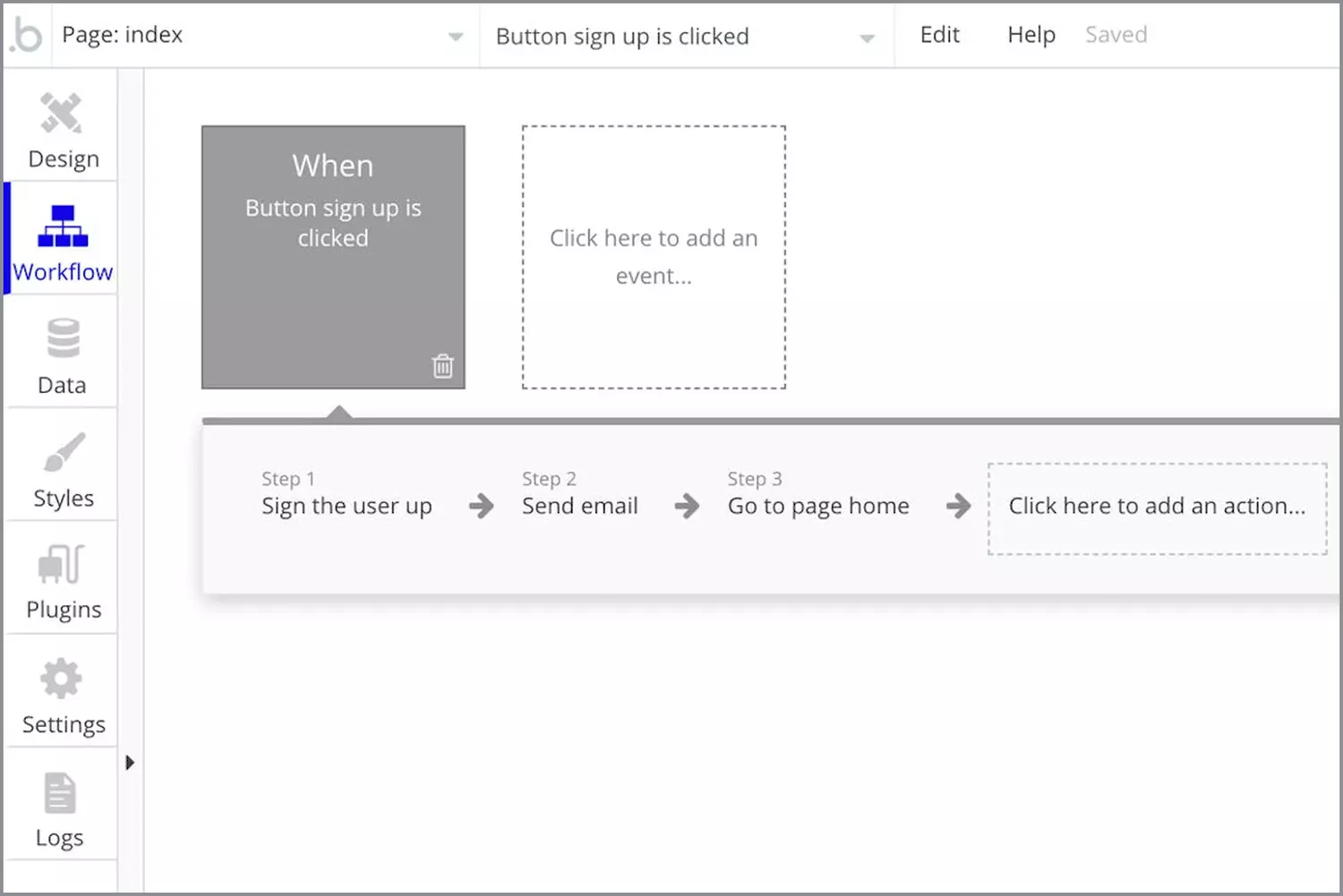
This platform, based on a cloud system, allows you to create your own SaaS platform, from CRM to web app to marketplaces. All without writing a line of code. Now with more than 450 000 users, it has become a reference in the world of no-code and entrepreneurship, its ease of use being at the heart of its success.
Functionalities
Use
Although no-code operation facilitates its use, creating an application using Bubble is also not done in a snap of the fingers. A certain mastery of the tool is to be expected to really control its entirety.
The solution is built with a drag & drop system, the very intuitive method of no-code that allows to free oneself from the limitations of development. Many templates and templates are available on Bubble and add to the diversity of features that the tool offers a wide choice of design.
Bubble is a tool that allows you to quickly create a small web app but also to build big applications to success. it is for example quite possible to create an application like Airbnb thanks to Bubble. Here is a tutorial → How To Build An AirBnB Clone Without Code - Bubble
Personalization
The customization options of Bubble are classic, they include many modifications such as the text (police, colors, alignments...) the background (colors, images...) or frames and animations, giving a certain freedom to the users. Coupled with the choice of templates and templates, the solutions created on Bubble do not have this feeling of uniformity that some associate with no code.
APIs
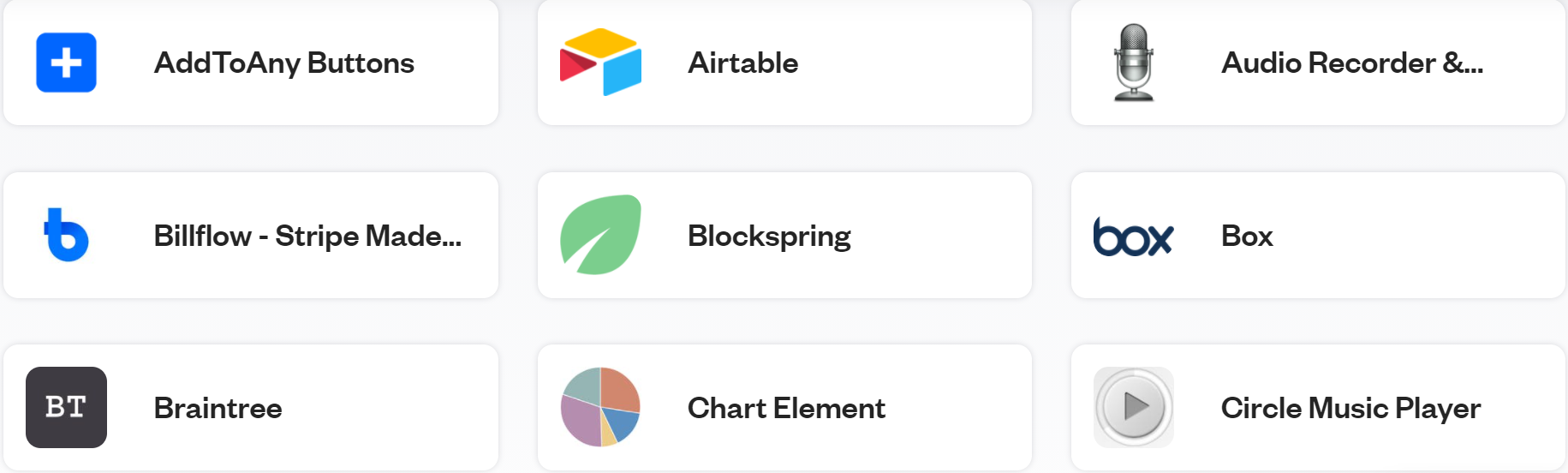
Bubble has a fairly wide marketplace and is overall a fairly open tool, it is very easy to connect solutions such as Airtable, Blockspring, Chart Element, Cookie Consent, Circle Music Player, Stripe... It is also possible to develop an API with the tool of your choice and connect it to the software. This major asset at Bubble opens up a large number of possibilities and makes it very complete.
Importing Figma
For those who do not know this tool, Figma is a solution for creating prototypes and models where you can simulate the user experience and build the framework of a website or application before truly integrating it. This is very useful to determine the entire user journey and to map the different connections within a solution before even doing so on the solution itself. It is therefore possible since the summer of 2020 to import your Figma designs into Bubble. Importing is relatively simple and allows you to start directly connecting your workflows to other items. Since this feature is rather recent, some improvements need to be made in terms of import quality, but it remains very very useful and considerably simplifies the creation process.
Prices
Several versions are available:
- Hobby: free version to access the main features of the software, including banding, database, workflows, secure payment and e-commerce. The storage is limited to 500MB, which can represent a brake but still allows to test the software and make its beginnings.
- Personal: ideal version for freelancers. Offers 10GB of storage and dedicated email support. The cost of this version is about $25/month.
- Professional: version targeting rather small to medium-sized companies. It offers the possibility to add another user and as well as a storage amount to 20GB. The price for this version goes up to $115/month.
- Production: For a minimum amount of $474/month, Bubble allows you to go up to 50GB of storage, 20 servers, 14 users and two-factor authentication.
These versions therefore adapt to several types of business, making Bubble accessible to the greatest number. In addition, the hosting and deployment of your web applications is directly managed by Bubble, a major asset for this software.
The opinions
Bubble is very well rated (4.5/5 on Capterra) especially in terms of value for money and features. The tool mainly achieves high ratings in terms of customer service and ease of use.
Unfortunately, the platform does not allow users to export or import data with the free version. For this, you will have to turn to a paid version.
Even if the free version is very easy to use, the features offered by paid versions require more patience. Mastering these features takes time and training to fully exploit the potential of Bubble.

Conclusion
Bubble is therefore a relatively simple and effective application creation tool, ideal for any fan of no-code by switching from freelance to a large company. Leader in the market of no-code tools, its various offers adapt to the needs of the customer, allowing him to find the version best suited to his needs. Despite some limitations, Bubble remains a reference platform, thanks in particular to the many APIs that can compensate for what Bubble does not offer.
Sources:
Importing from Figma - Bubble Docs