


5 eco-friendly features of Webflow to design an environmentally friendly website
Create an Environmentally Friendly Website
Some companies place great importance on the environment and seek to design their website in an eco-friendly way. Among the No-Code CMS available on the market, Webflow stands out by offering features that promote eco-design.
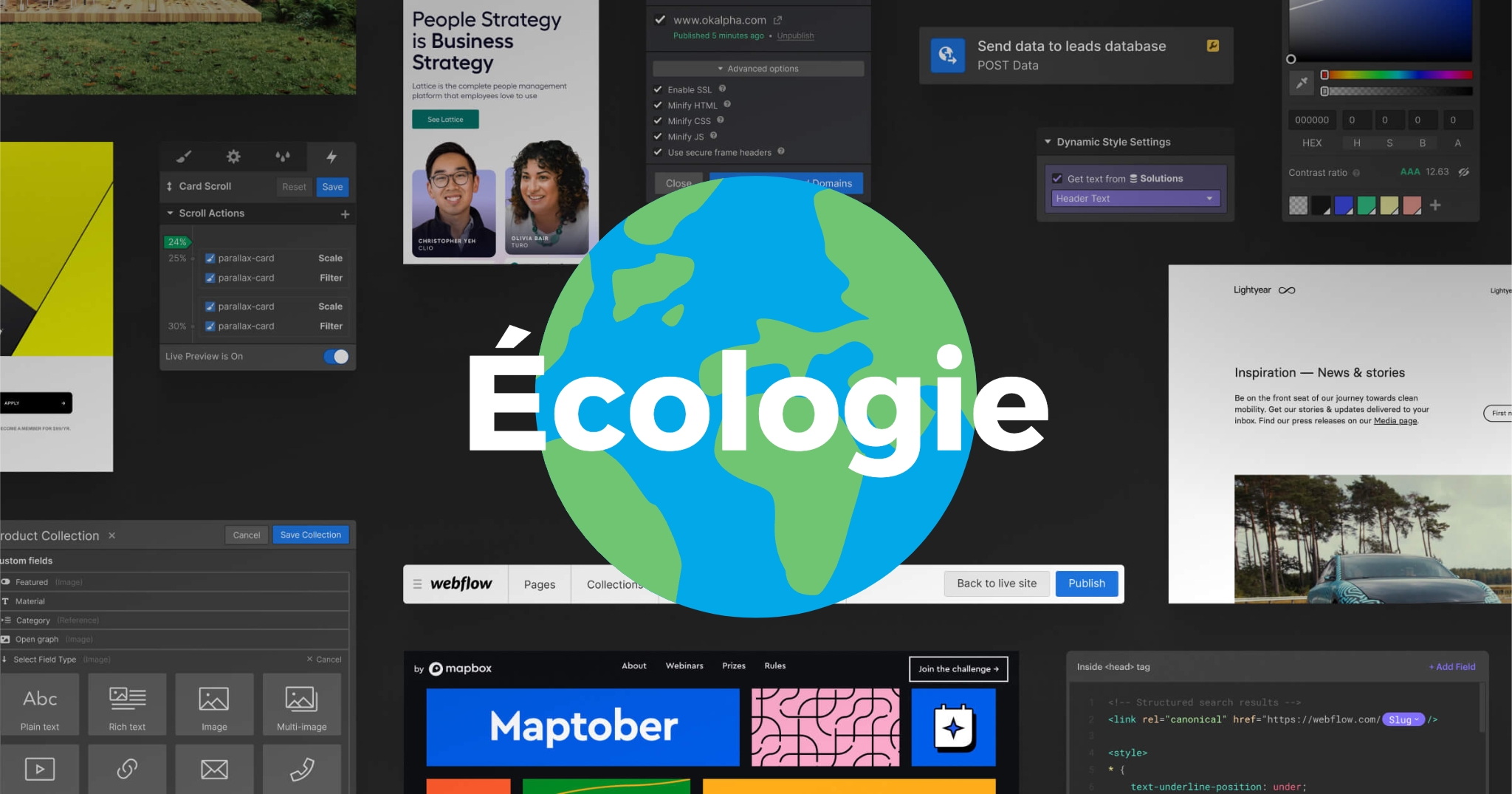
Discover the 5 main reasons why Webflow is the ideal tool for creating an environmentally friendly website.
- No plugins or extensions : Unlike other CMS, Webflow does not require the installation of plugins or extensions. This reduces the number of requests and page load times, while minimizing traces left in the source code.
- Simplification of source code : Webflow simplifies the site's HTML and CSS code by automatically generating code based on the elements added to the page. Additionally, it is possible to remove unused styles, classes, and animations, thereby cleaning up unnecessary code.
- Image optimization : Webflow automatically compresses images, reducing their size and weight. This helps decrease the energy consumption needed to display the site.
- Speed optimization : Thanks to simplified code and optimized images, Webflow ensures fast loading speeds. A quickly loading site consumes less energy.
- Responsive design : Webflow makes it easy to create a responsive website by allowing automatic adaptation to screen size, whether on desktop, mobile, tablet, or large screens. This feature reduces page display time and contributes to eco-design.
Webflow offers a set of features that make it the ideal tool for designing an eco-friendly website. By avoiding plugins, simplifying source code, optimizing images, improving loading speed, and offering responsive design, Webflow helps reduce the environmental footprint of your site.
Make Webflow your preferred choice for an environmentally friendly website.
the most common questions
Webflow offers features that support eco-design: no plugins or extensions, simplified source code, optimized images, fast loading speed and responsive design.
No, unlike other CMSs, Webflow does not require installing plugins or extensions. This reduces the number of requests and page load times, while minimizing the footprint left in the source code.
Webflow automatically builds the HTML and CSS based on the elements added to the page. You can also remove unused styles, classes and animations to clean up the code.
Yes, according to the article: thanks to simplified code and optimized images, Webflow guarantees fast loading speed, and a site that loads quickly uses less energy.



